

★★★★★✓ Verified purchase
Fits everything I need
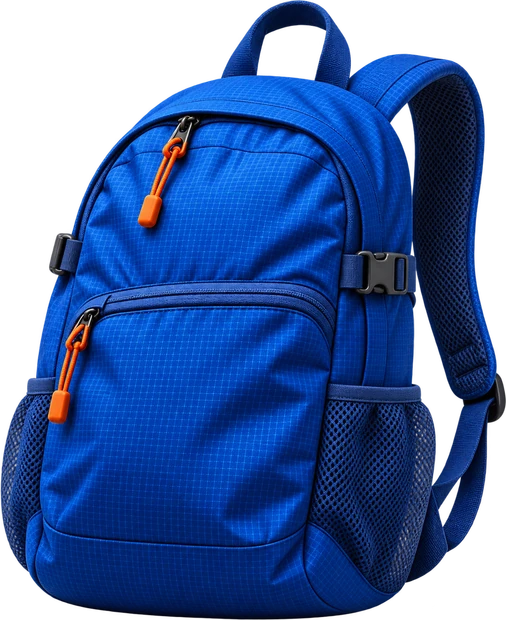
Took it on a three-day trip. The laptop sleeve is padded and the side pockets hold two bottles.
Priya S.Product reviews
Ask for a review after an order, approve each one before it shows, reply in public, and show reviews on your product pages in your own style.
Review requests
One review-request email per order, never more, to shoppers who accepted marketing. You choose a daily limit and a minimum gap between requests, and you can turn requests off at any time.
Plus a daily limit, from 10 to 1,000 requests. Orders over the limit that day aren’t sent one.
| Order | Time | Accepted marketing | What happens |
|---|
Send the standard review request with your store name, or design your own in the Email designer and pin it. A pinned design is what goes out. If it can’t be built for an order, no request is sent for that order.
Your store
Tell other shoppers what you think. It takes a minute.
Write a reviewModeration
New reviews wait in one queue. Approve them, reject them with a reason, or reply in public. Only approved reviews appear on your store.
A low rating alone is never a reason to reject. Every rejection keeps its reason.
A review written from a review-request link is marked Verified purchase, in your app and on your store.
Answer any review once, in public, under the review. Saving again edits it.
How it works
One click in the app. Review requests start off until you turn them on.
Otus opens Shopify’s theme editor on a product page with the reviews block ready to place. Click Save.
Pick a daily limit and a minimum gap, choose your email, and requests go out after new orders.
Common questions
Shoppers who accepted marketing, after their order. Each order gets one request at most.
Yes. Set a daily limit and a minimum gap between requests. Orders inside the gap are skipped, not saved for later.
No. Otus opens Shopify’s theme editor with the reviews block ready to place. You click Save.
Requests wait until the reviews block is live on your store, so the “Write a review” link always works. Check that requests are turned on, too.
No. A new review waits in your queue until you approve it. Your store’s rating counts approved reviews only.
Yes, with one public reply per review. Saving again edits it, and you can delete it. The review and its rating stay.
Yes. Set the heading, button and star colours, font, spacing and corner rounding, and choose whether shoppers can write a review from the block.
Install Otus free, switch on what you need, and see what your store was missing.
Free plan · No card needed · Every tool included