

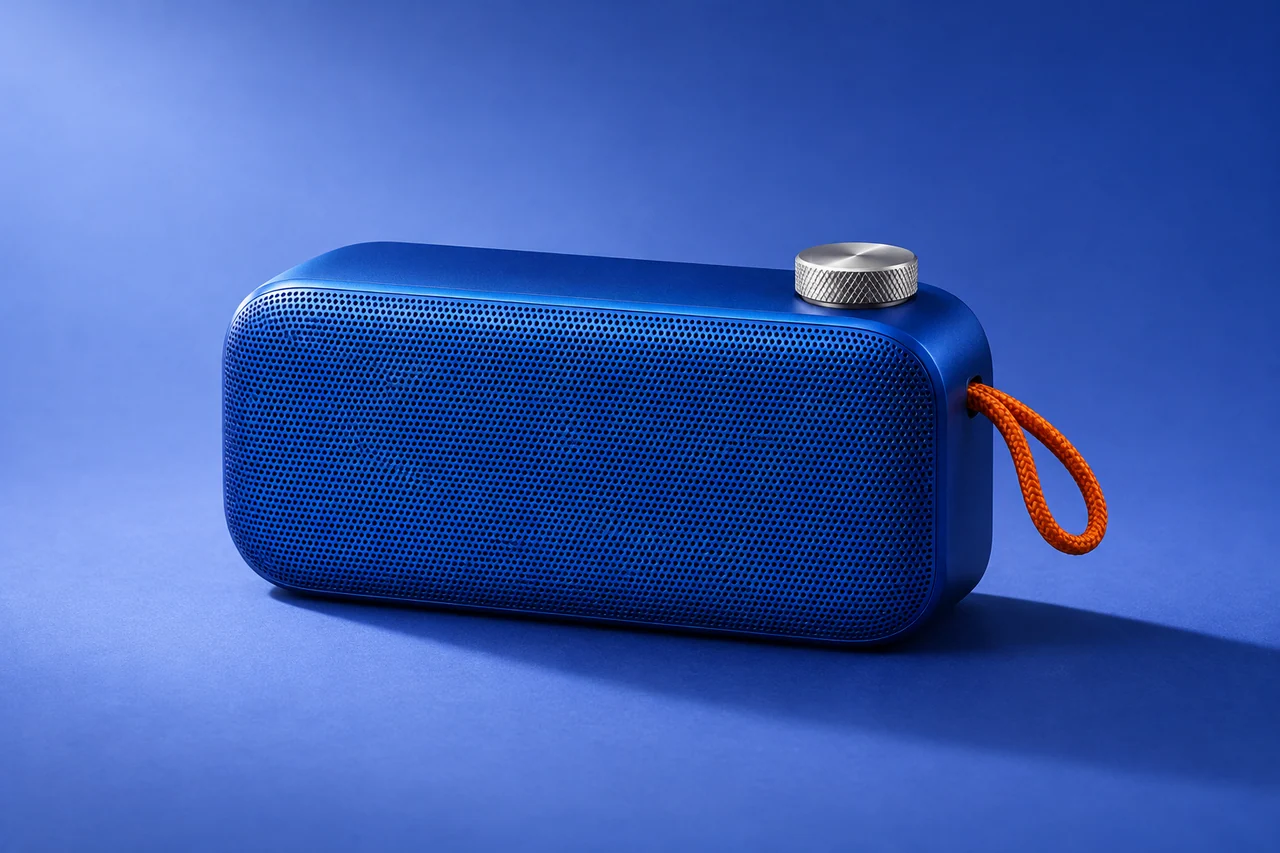
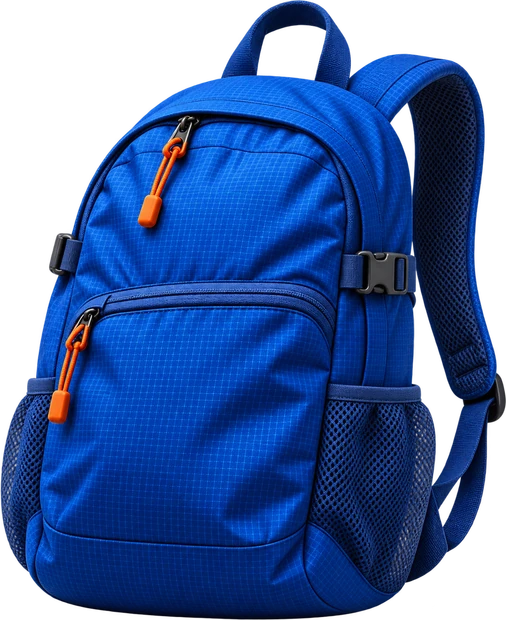
When it appearsIllustrative
Dates (UTC)
StartAny time
EndNo end date
Path starts with /products · After 5 seconds
Pop-ups & forms for Shopify
Popups, banners and slide-ins that collect sign-ups on your storefront — with consent asked in your words, and every lead in one place.
Forms that fit the moment
Pick a format and a starting point. Then edit the headline, text, button, colours and fields. Every form begins as a draft, so shoppers see nothing until you turn it on.
Format
Starting point
A focused form over the storefront.
Draft. Shoppers see nothing until you turn it on.
You decide when they show
Choose the pages a form shows on, how many seconds to wait, how often it can repeat, and the dates it runs between.
Set a window for a sale or a launch. Outside it, the form is not shown.
A slide-in sits in the corner you choose. A banner runs across the top of the page.
Path starts with /products · After 5 seconds
Every lead in one list
See each sign-up with its form, page, time and consent. Send new leads to your own tools as they arrive.
Each new lead is sent as a signed request to your own https address. A failed delivery is tried again.
A form that has leads is archived instead of deleted, so its leads stay in your list.
When Shopify sends a shopper’s deletion request, their form sign-ups are erased too.
| Contact | Form | Email consent | Page | Received |
|---|---|---|---|---|
| maya@example.com | Newsletter signup | Yes | /products/studio-speaker | 2026-11-18 14:02 UTC |
| leo@example.com | New arrivals | No | /collections/new | 2026-11-18 11:47 UTC |
| ana@example.com | Product enquiries | Not asked | /products/ridge-daypack | 2026-11-17 19:30 UTC |
Only leads who ticked your consent box (“Yes”) can be sent marketing email by your Otus campaigns.
https://example.com/new-leadTry it before real leads arrive. A test event carries no lead.
How it works
It begins as a draft. Shoppers see nothing until you turn it on.
Edit the headline, text, button, colours and fields, then choose where and when it appears.
Add it to your store through Shopify’s theme editor with no code to paste, then turn the form on.
Otus checks your storefront and shows a form as live once a shopper’s page has actually loaded it — not when you click a button.
Common questions
No. You switch on the Otus app embed in Shopify’s theme editor, and Otus adds your forms from there.
Yes. Add an unticked consent box in your own words. A sign-up alone isn’t permission — only shoppers who tick the box can get marketing email from your Otus campaigns.
Yes. You choose the pages, how many seconds to wait, how often it can repeat, and the dates it runs between.
Yes. Add a webhook address and each new lead is sent there as a signed request. Send a test event first to check it works.
Their form sign-ups are erased along with the rest of their data when Shopify sends the request.
Install Otus free, switch on what you need, and see what your store was missing.
Free plan · No card needed · Every tool included