

Email designer · Spring saleIllustrative
- Version 2Published
- Version 1Published
Email designer for Shopify
Build emails from blocks in your brand, preview them on every screen, and publish the version your campaigns, follow-ups and review requests will send.
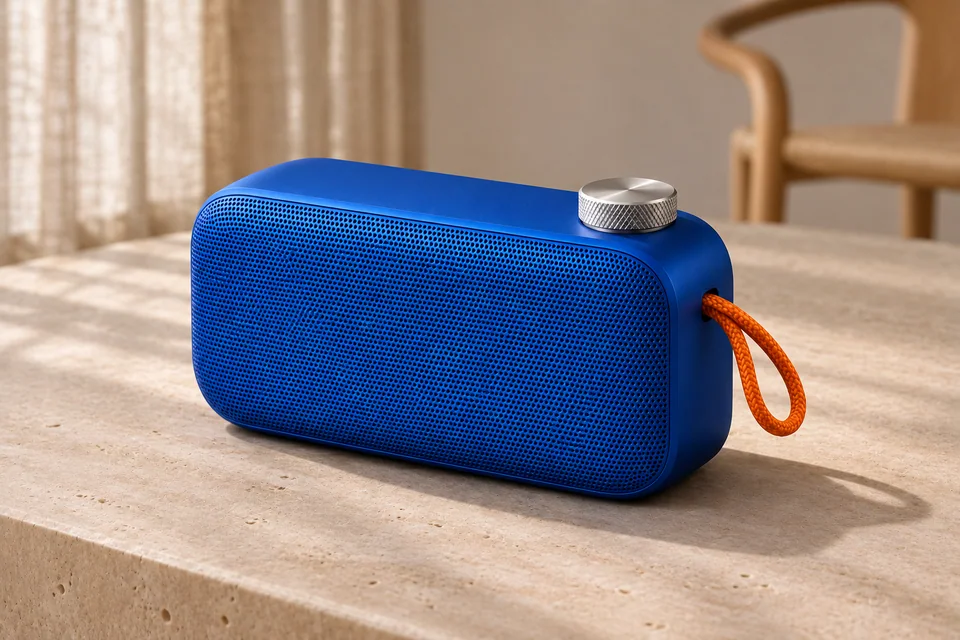
Picked for the season, ready to ship from our studio.
 Quilted jacketPrice in your store’s currency
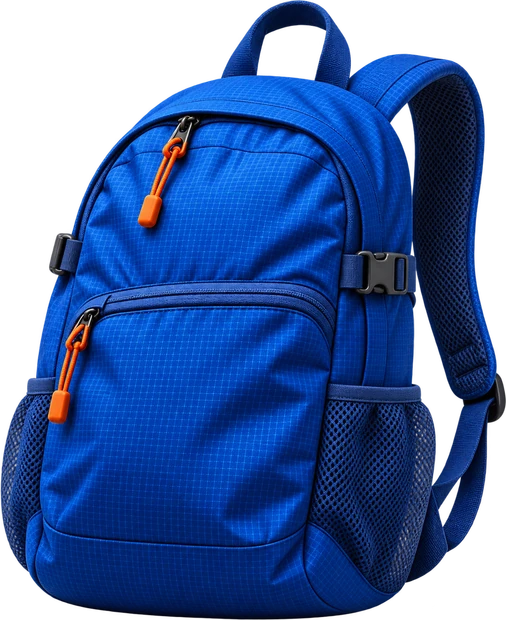 Ridge DaypackPrice in your store’s currency
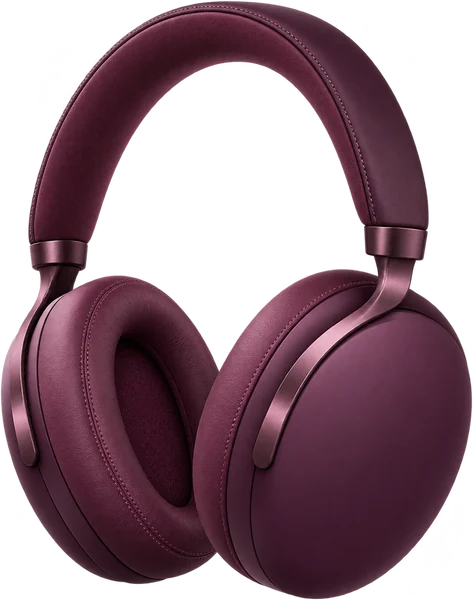 Studio headphonesPrice in your store’s currency
Blocks, not code
Text, images, buttons, columns, product grids, social links, a header and a footer. Add blocks, upload your own images, and edit everything in place.
Add a block
Draft. Nothing is published until you review it.
Your brand built in
Your logo, colours and font come from one brand card, set once. Change them there, and the designed emails your campaigns, follow-ups and one-time sends deliver all use them.
Ready-made designs in your store’s brand, ready to edit.
The brand card starts with your Shopify logo, or uses a PNG or JPG you upload.
Campaign email
Shop nowPost-purchase follow-up
Shop nowOne-time send
Shop nowSet once on the brand card. Every one of these picks it up.
No surprise edits
The review shows the email rendered exactly as it will be sent, and publishing seals that version. A campaign step, follow-up or review request sends it until you pick a newer one.
Sends “Spring sale”, version 2
This step sends exactly this version. Later edits in the Email designer don’t change it.
A newer version is published; this step stays on this one until you pick it.
Designed emails work in campaign steps, post-purchase follow-ups, one-time sends and review requests.
Real products, real carts
A product grid can show the items in each shopper’s cart, or products you pick from your catalogue.
How it works
Add blocks and upload your own images.
Switch between desktop, tablet and phone as you work.
The review shows the email rendered exactly as it will be sent, and publishing seals that version.
Common questions
No. You build emails from blocks and edit them in place.
In campaign steps, post-purchase follow-ups, one-time sends and review requests.
No. Each step sends the exact version you pinned. Pick the new version when you’re ready.
Yes. A product grid can show the items in the shopper’s cart, or a fixed set of products you choose.
No. You write the words. Otus fills in your brand and, where you use them, the shopper’s first name and products.
Install Otus free, switch on what you need, and see what your store was missing.
Free plan · No card needed · Every tool included